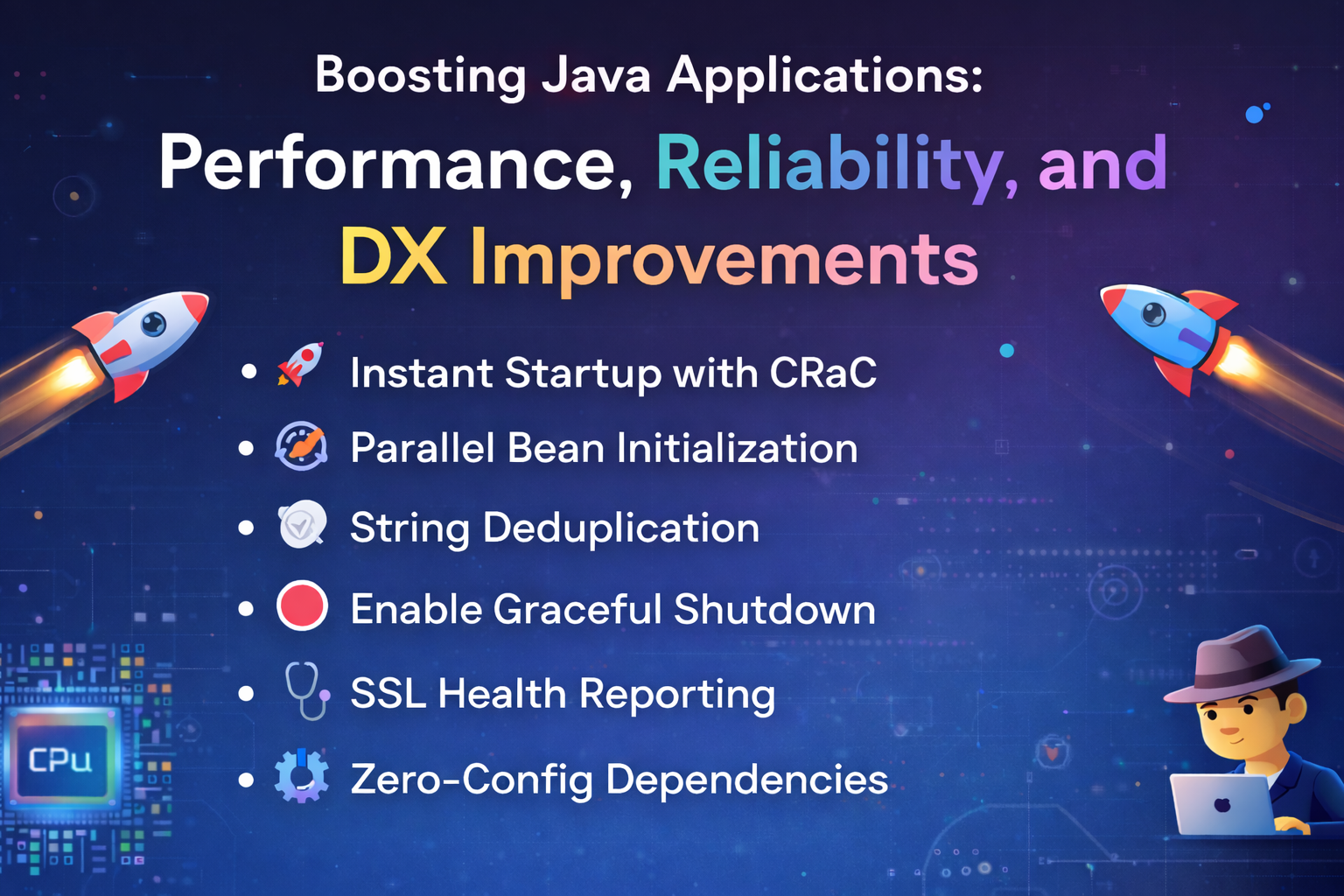
Preparing a Spring Boot application for production is more than just mvn clean install. It’s about resilience, observability, and squeezing out every bit of performance.
In this article, we cover 10 essential tips organized into three critical pillars:
- 🚀 Performance & Scalability: From instant startup with CRaC to memory optimization.
- 🛡️ Reliability & Observability: Ensuring stability with graceful shutdowns and JFR.
- 🛠️ Developer Experience (DX): Zero-config setups and cleaner configurations.
🚀 Performance & Scalability
1. Instant Startup with CRaC (Checkpoint/Restore) ⚡
Domain: 🟥 Critical for Serverless/Scale-out
Required: Spring Boot 3.2+, Java 17+
Waiting for the JVM to warm up is so 2020. CRaC (Coordinated Restore at Checkpoint) allows you to take a snapshot of your running application (after it has warmed up) and restore it instantly later.
Why use it? Reduces startup time from seconds to milliseconds. Perfect for Kubernetes horizontal scaling and Serverless functions.
How to use: Add the dependency and enable checkpointing.
<dependency>
    <groupId>org.crac</groupId>
    <artifactId>crac</artifactId>
    <version>1.4.0</version>
</dependency>
// Trigger checkpoint via command line or code
// java -XX:CRaCCheckpointTo=./crac-files -jar my-app.jar
2. Parallel Bean Initialization 🏎️
Domain: 🟧 High Performance
Required: Spring Boot 3.2+
By default, Spring initializes beans strictly sequentially. If you have heavy beans (e.g., Hibernate validation, connection pools), this slows down startup. The Background Pre-initialization feature runs these tasks on a separate thread.
(Curious about how Spring works under the hood? Check out my guide on writing your own Mini-Spring Framework!)
Why use it? Shaves off valuable seconds from your startup time by utilizing available CPU cores.
How to use:
Set just one property in application.properties:
spring.context.bootstrap-executor.enabled=true
3. High-Density Memory: String Deduplication 📝
Domain: 🟩 Memory Optimization
Required: Java 8 update 20+ / G1GC Garbage Collector
In many batch apps, we load millions of duplicate Strings (e.g., “USER_STATUS_ACTIVE”, “USD”, country codes). These useless duplicates eat up heap space.
Why use it? Can reduce Heap memory usage by 15-30% by making duplicate strings point to the same character array.
How to use: This is a JVM Flag, not a Spring property. Ensure you are using the G1 Garbage Collector.
java -XX:+UseG1GC -XX:+UseStringDeduplication -jar app.jar
4. Zero-Allocation Batching with Java Records 📦
Domain: 🟦 Code Cleanliness / Minor Perf
Required: Java 16+
Spring Batch often involves reading millions of rows. Mapping them to heavyweight Java Beans adds overhead. Java Records are immutable, transparent carriers for immutable data.
Why use it? Less boilerplate (no getters/setters/toString), slightly better memory footprint, and cleaner code.
How to use:
// Instead of a 50-line Class
public record CustomerTransaction(String id, BigDecimal amount, LocalDateTime timestamp) {}

// Use it directly in your ItemReader/Writer
return new FlatFileItemReaderBuilder<CustomerTransaction>()
    .name("trxReader")
    .targetType(CustomerTransaction.class)
    .build();
🛡️ Reliability & Observability
5. Enable Graceful Shutdown 🛑
Domain: 🟥 Stability
Required: Spring Boot 2.3+
When you kill a pod/process, does it sever active connections mid-transaction? That’s bad user experience. Graceful shutdown waits for active requests to complete before killing the app.
Why use it? Zero-downtime deployments and happy users.
How to use: Add this to your configuration:
server.shutdown=graceful
spring.lifecycle.timeout-per-shutdown-phase=20s
6. Use JFR (Java Flight Recorder) for Debugging 🕵️♂️
Domain: 🟩 Observability
Required: Java 11+ (Built-in)
Still using System.currentTimeMillis() to measure performance? Stop. JFR is a low-overhead profiling engine built directly into the JVM. It records events (GC pauses, method execution, I/O) with less than 1% overhead.
Why use it? It’s “always-on” production profiling. You can dump the recording to a file and analyze it in JDK Mission Control.
How to use: Start your app with:
java -XX:StartFlightRecording:filename=recording.jfr,duration=600s,settings=profile -jar app.jar
7. SSL Health Reporting 🩺
Domain: 🟦 Reliability
Required: Spring Boot 3.1+
Certificate expiration is the #1 cause of “It worked yesterday” outages. Spring Boot now exposes SSL certificate validity details directly in the Actuator health endpoint.
(Speaking of outages, have you implemented a Circuit Breaker yet?)
Why use it? Get alerted before your certs expire.
How to use:
Enable the SSL health check in application.properties:
management.health.ssl.enabled=true
You will now see certificate chains and expiry dates in /actuator/health.
🛠️ Developer Experience (DX) & Config
8. Zero-Config Dependencies with @ServiceConnection 🐳
Domain: 🟩 Dev Experience / CI/CD
Required: Spring Boot 3.1+ (Spring Boot Docker Compose)
Stop hardcoding localhost:5432 in your local properties. Spring Boot can now automatically automatically find and connect to containers running in Docker Compose or Testcontainers without any connection strings.
Why use it?
Eliminates config drift between environments. docker-compose up is all you need.
How to use:
@Bean
@ServiceConnection
PostgreSQLContainer<?> postgresContainer() {
    return new PostgreSQLContainer<>("postgres:15");
}
9. The “Dry Run” Interceptor 🧪
Domain: 🟦 Safety
Required: Any Spring Boot Version
In complex Batch jobs or API writes, you often want to “test” the flow in production without actually committing the transaction.
Why use it? Safely validate logic in prod against real data.
How to use: Create a simple boolean flag or header check to rollout changes safely.
@Component
public class DryRunInterceptor implements HandlerInterceptor {
    @Override
    public boolean preHandle(HttpServletRequest request, HttpServletResponse response, Object handler) {
        if ("true".equals(request.getHeader("X-Dry-Run"))) {
            // Log logic but PREVENT explicit DB commits or external calls
            TransactionAspectSupport.currentTransactionStatus().setRollbackOnly();
            logger.info("Dry run executed for request");
            return true;
        }
        return true;
    }
}
10. Multi-Property Env Variables 🌐
Domain: 🟪 Configuration
Required: Spring Boot 4.0+
Usually, you set one environment variable per property. Spring Boot 4.0+ allows binding a single JSON-like or structured variable to multiple properties.
Why use it? Cleaner cloud provider configs (e.g., Kubernetes Secrets) where you have limits on the number of variables.
How to use:
# Old way:
# SERVER_PORT=8080
# LOGGING_LEVEL_ROOT=DEBUG

# New way (Conceptual):
SPRING_APPLICATION_JSON='{"server":{"port":8080},"logging":{"level":{"root":"DEBUG"}}}'
How to access in code: Since Spring maps these JSON keys to standard properties, you access them just like any other config!
@Value("${server.port}")
private int port;

// OR using ConfigurationProperties
@ConfigurationProperties(prefix = "server")
public record ServerConfig(int port) {}
Conclusion
Keeping your Spring Boot environment up-to-date unlocks massive performance and developer experience wins for free. Let me know if you learnt something new from this article! 🚀